
Fortnite 2Fa A Step By Step Guide
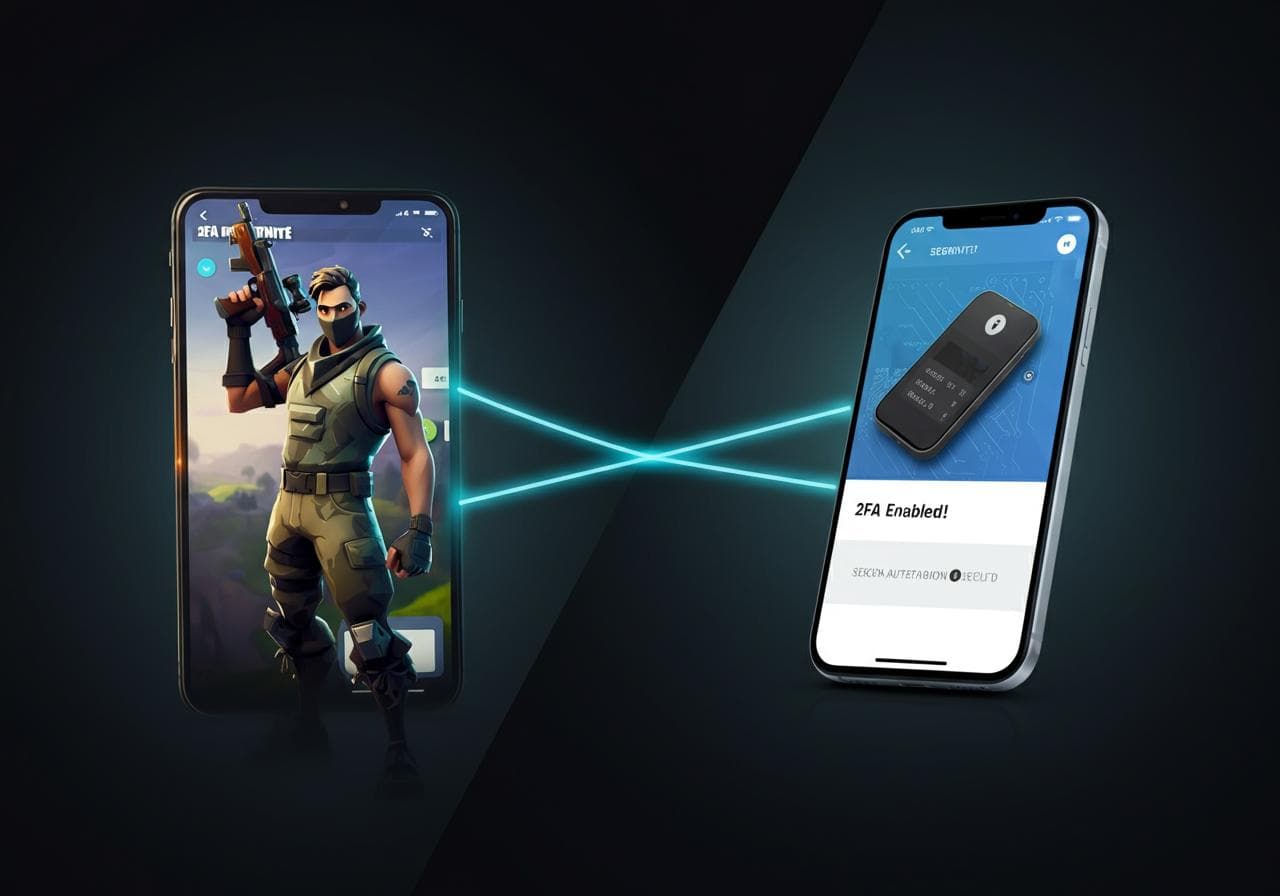
Enable two-factor authentication to safeguard your account. Follow these steps to secure your Fortnite profile.
Research topics
Hey there, Fortnite enthusiasts! If you've been worried about your Fortnite Account security, you're not alone! With the rise of online gaming, protecting your account has never been more crucial. Today, we're diving into the world of Fortnite 2FA, or Two-factor Authentication, a fantastic way to step up your Account Security!
What is Fortnite 2FA?
In simple terms, 2FA adds an extra layer of protection when logging into your Fortnite account. Instead of just entering your password, you'll need to verify your identity through another method, like a text message or an authentication app. This means even if someone gets ahold of your password, they'll still need that second factor to get into your account!
Why Should You Enable 2FA?
The answer is simple: Password Protection alone isn't enough anymore! With hackers and phishing attacks on the rise, enable 2FA offers you peace of mind. You'll also unlock some cool in-game rewards! When you activate Fortnite 2fa, you can earn free emotes and other fun goodies. Who wouldn't want that?!
How to Enable 2FA in Fortnite
Alright, let's get into it! Here’s a simple, step-by-step guide to help you enable Two-factor Authentication on your Fortnite account:
First, go to the Epic Games website and log into your account. Make sure you're using the right credentials!
Once logged in, navigate to your account settings. Look for the "Security Settings" section. Here’s where the magic happens! This section is essential for managing your Account Security.
In the Security Settings, you'll find options for Two-factor Authentication. Click on the button to enable 2fa. Epic Games will provide you with instructions on how to set it up, depending on the method you choose—whether it’s SMS or authentication apps.
Choosing Your Authentication Method
You can choose to receive a verification code either via SMS or use an authentication app (like Google Authenticator or Authy). If you're all about convenience, SMS might be your go-to, but using an authentication app is generally more secure. Just be sure you choose what works best for you!
Once you've picked your authentication method, Epic Games will send you a code. Enter this code in the given field to complete the process. Voilà! You've just enabled Fortnite 2fa!
Before you get back into the game, try logging out and then back in to check that your Two-factor Authentication is working. You should receive a prompt for the additional code. If you do, congratulations! You’re all set to enjoy safer gaming.
What To Do If You Encounter Issues
Sometimes, things don't go as planned, and that's okay! If you face any issues while trying to enable 2FA, Epic Games has got your back. Check out their help page at this link for troubleshooting tips, or see if your mobile number is correctly linked.
Final Thoughts on Fortnite 2FA
In the end, enabling Fortnite 2fa is a smart move for any player. It not only enhances your Account Security, but it also gives you access to amazing in-game rewards! Remember, with great power comes great responsibility. Keep your passwords secure, and always monitor your Fortnite Account activity.
Thanks for reading! If you found this guide helpful, feel free to share it with your fellow gamers. Happy gaming and stay secure!
For more tips on how to get 2FA on your console, like the Switch, check out this resource!
Posts Relacionados

5 Best Online Degrees For High Paying Jobs
Explore these top online degrees to secure high-paying careers and boost your earning potential today.

5G Network Coverage Find Nearby Towers
Locate 5G towers near you to experience the benefits of 5G network. Find coverage details and nearby towers.

5G Network Coverage Find To Consider Towers
Locating 5G towers in your area involves checking service maps and understanding signal propagation for optimal connectivity.